What a Website Really Does for a local Business (Simple Explanation)
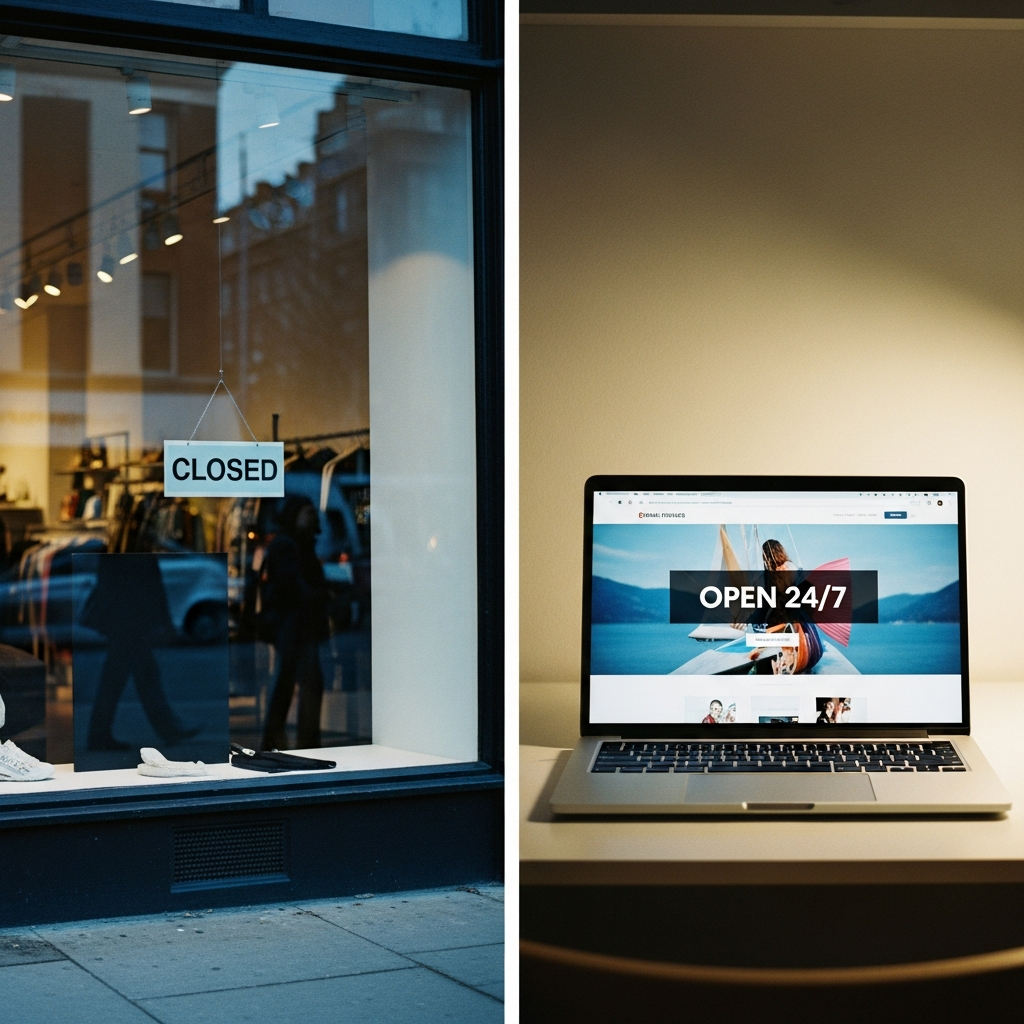
Think of Your Website Like a Store Window
When you walk past shops, you look in the window to see what they sell, if they're open, and if the place looks good, right?
Your website is the same thing—except people can look at it anytime, day or night, from anywhere.
What Does a Website Actually Do?
1. Answers Questions for You
Your website tells people:
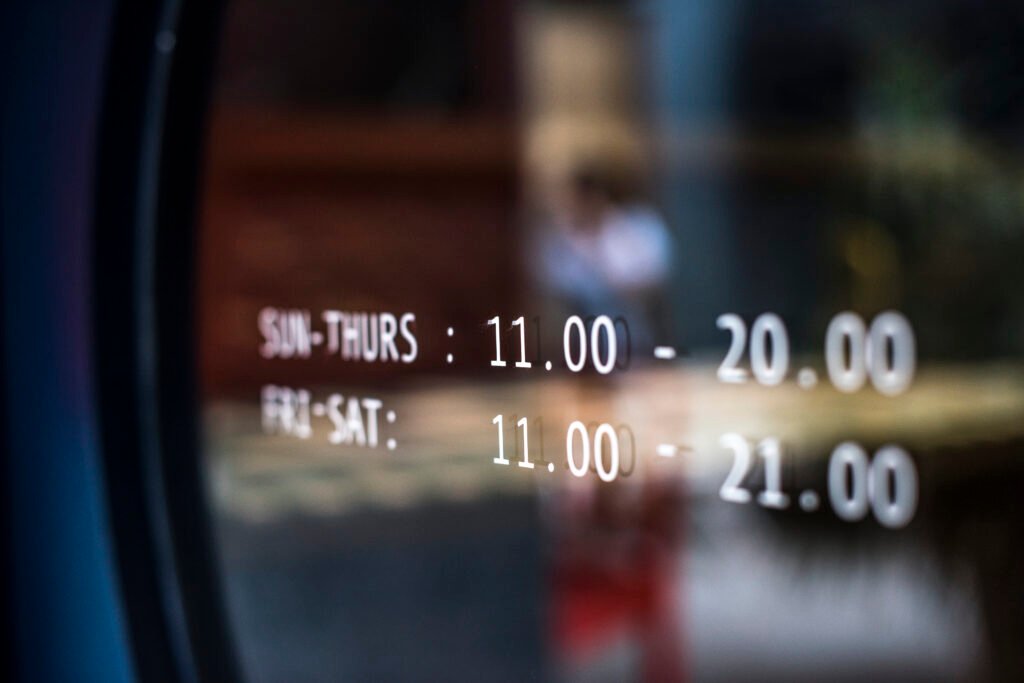
- When you're open
- Where you are
- What you sell or do
- How much things cost
Example: A bakery owner used to answer "Do you make birthday cakes?" 20 times a day. Now it's on her website and people can see for themselves.
2. Shows People You're Real
When people can't find you online, they wonder if you're actually a real business. A website makes you look professional.
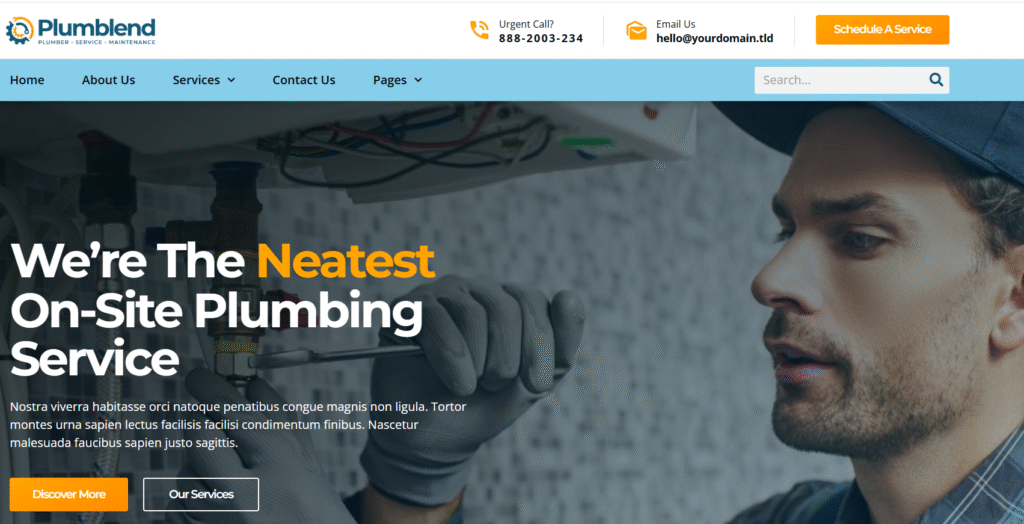
Example: Two plumbers charge the same price. One has a website with photos of their work. The other doesn't. Who would you trust more?
3. Works When You're Closed
People look for businesses at night and on weekends. Your website is there for them even when you're sleeping.
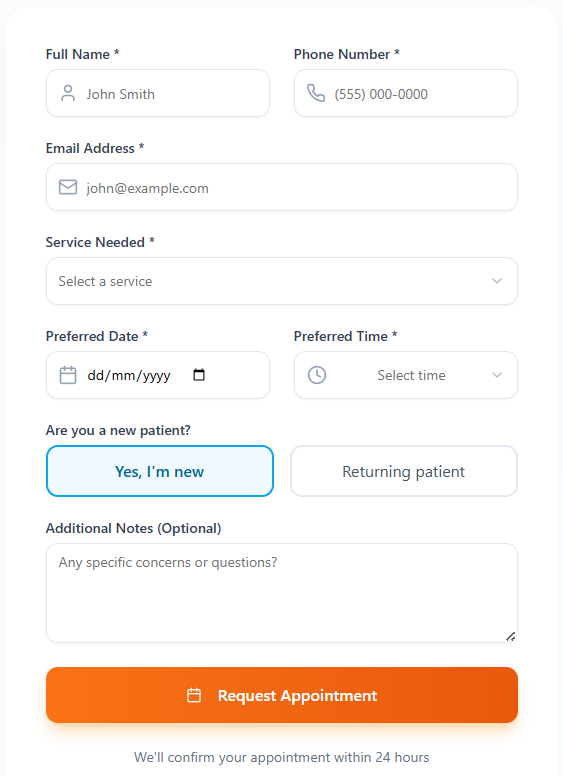
Example: A landscaper gets most of his customers from his website—people fill out the form on Sunday evenings while planning their yard projects.
4. Shows What You Can Do
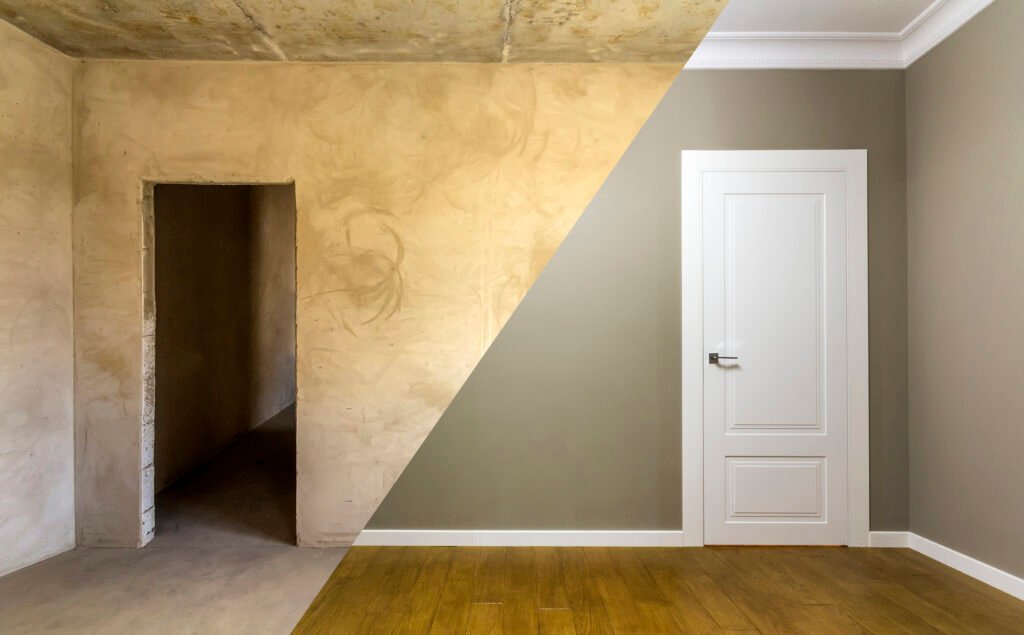
Photos of your work help people decide to hire you.
Example: A house painter put photos of rooms she painted on her website. She got twice as many customers because people could see how good her work was.
5. Helps People Find You
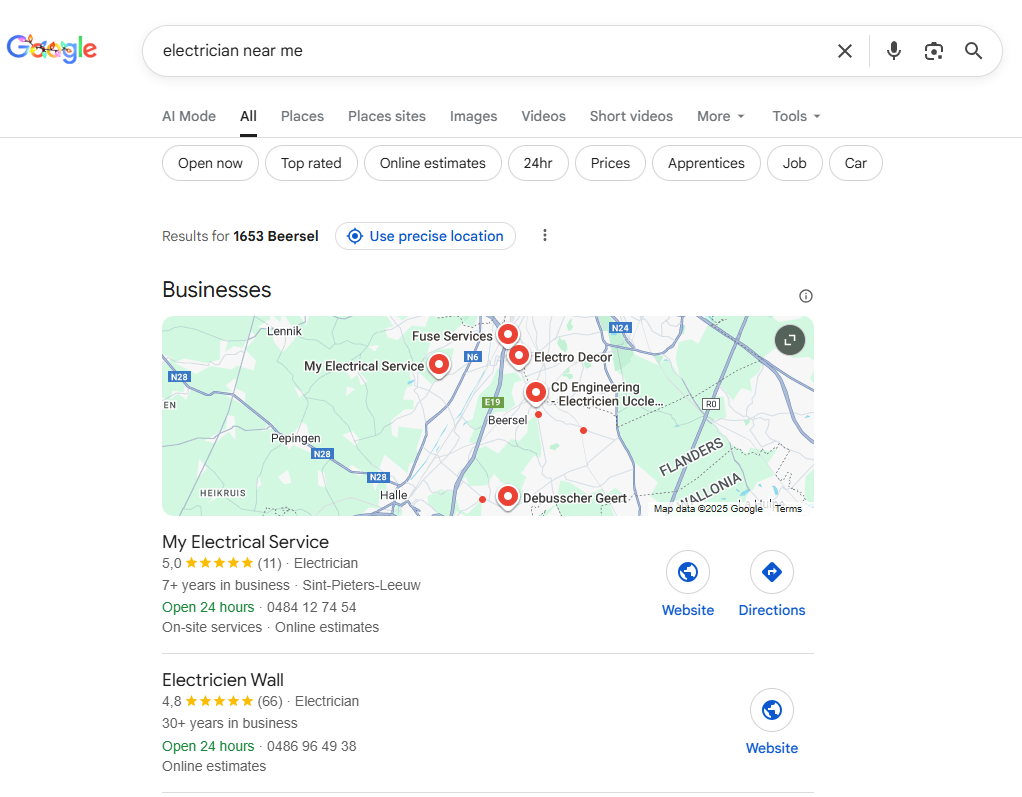
When someone searches "pizza near me," having a website helps you show up in the results.
What Your Website Needs
The Basics (You Need These):
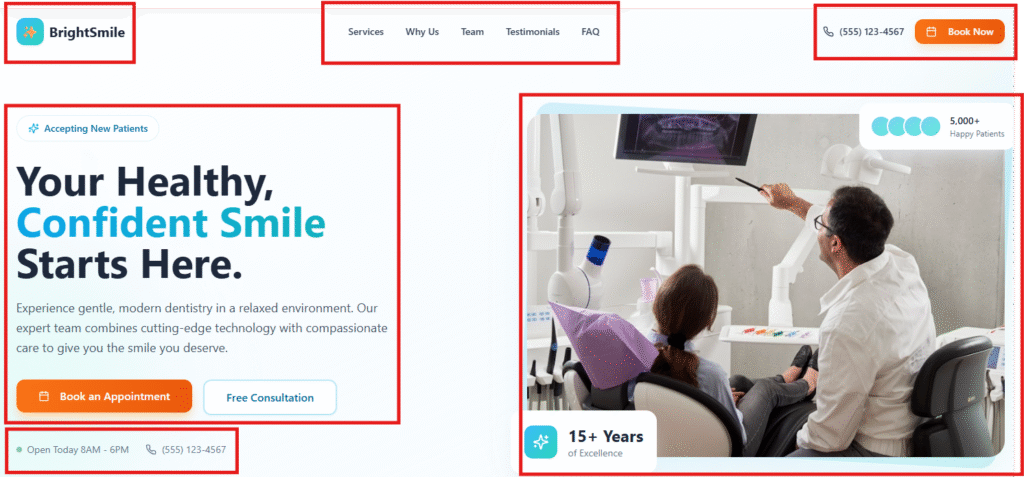
- Your business name
- What you do
- Your phone number
- Your address (or the area you work in)
- When you're open
- Photos of your work or products
- A way to contact you
Extra Stuff (Nice But Not Required):
- What customers say about you
- Your prices
- Why you started your business
- Answers to common questions
Real Examples
Restaurant: Pictures of food, menu, hours, phone number
Hair Salon: Prices, photos of haircuts, how to book
Handyman: Photos of jobs you've done, what areas you serve, contact info
Small Shop: Photos of products, location, when you're open
Common Worries
"I don't know anything about computers"
That's okay. You don't build it yourself—zmeu can set it up for you.
"I don't have time"
Once it's set up, you barely need to touch it. zmeu can also help you with regular updates.
"My customers are older and don't use computers"
Their kids and grandkids do. And you're missing younger customers who only look online.
"I already have enough customers"
Your website saves you time by answering the same questions over and over.
The Bottom Line
A website isn't about being fancy. It's about making it easy for customers to:
- Find you
- See what you do
- Decide to call you
It's like having your store window open 24 hours a day, 7 days a week.

 French
  Romanian
  Dutch
Dutch  English